

Playing well doesn’t win a prize on its own. Lobyco decides whether a play can win before the customer starts playing. See What the type decides, and what it doesn’t.
At a glance
All sizes on this page are in pixels, width first.Memory game
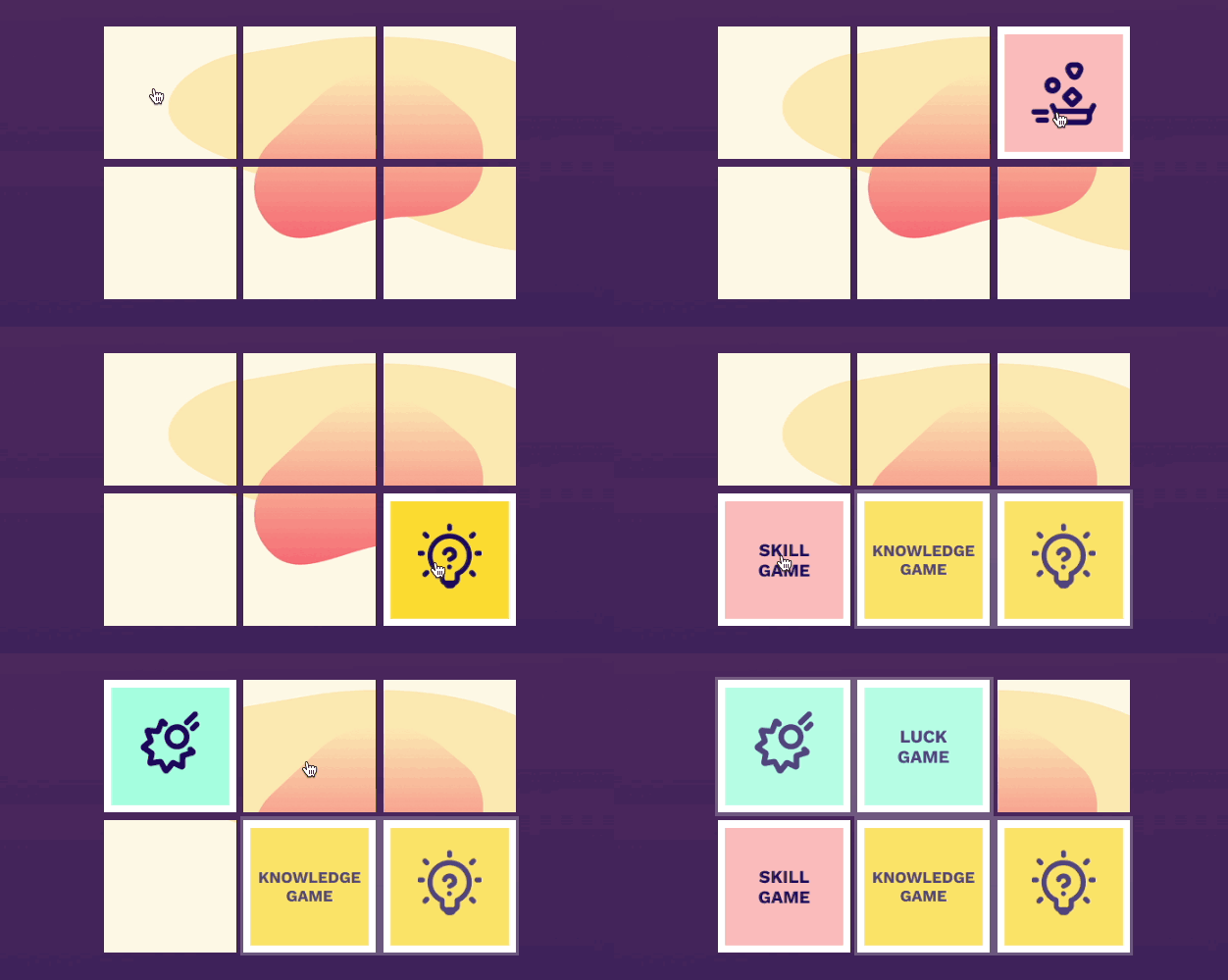
Customers flip cards over to find matching pairs. You can limit how many moves they have, which makes the game harder to finish.- The front of the card shows when the game loads. Every card has the same front.
- The back of the card is hidden when the game loads. Upload one of each card, and the gameplay makes its pair.
- You decide how many pairs there are. Up to 15 pairs show at a time, and you can add up to 10 extra pairs.
Match two different images
A pair can be two different images that belong together, instead of the same image twice. Upload twice as many backs. Make sure each card has only one right match. Giving both cards of a pair the same background colour helps customers see which cards go together.Use one image for all cover tiles
Instead of the same front on every card, you can upload one image that’s split across all the cards.- It can be at most 1500 × 1500.
- Match its shape to how the cards are laid out. For example, cards in 4 columns and 3 rows need a 4:3 image.
- If the cards are laid out differently on mobile and on desktop, you need a separate image for each. Cards in 2 columns and 3 rows make a portrait image, and 3 columns and 2 rows make a landscape one.
Drop game
Customers move a bucket to catch some falling images and avoid others.- Save both as .png files with a transparent background.
- Each falling image adds or takes away points. Make it clear which images to catch and which to avoid.
Shoot it
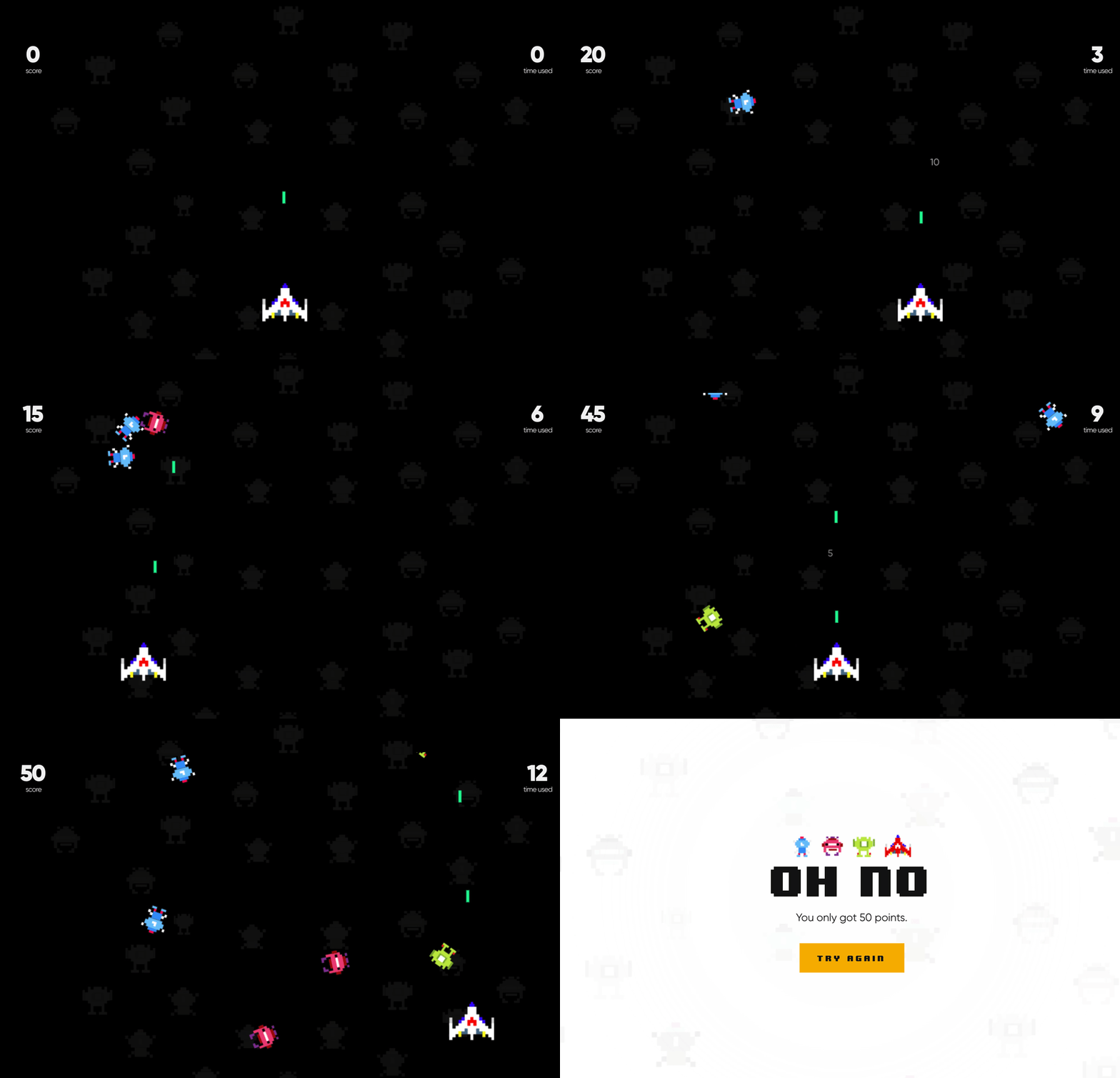
Customers move a shooter along the bottom of the screen and shoot falling images for points.- Save all three as .png files with a transparent background.
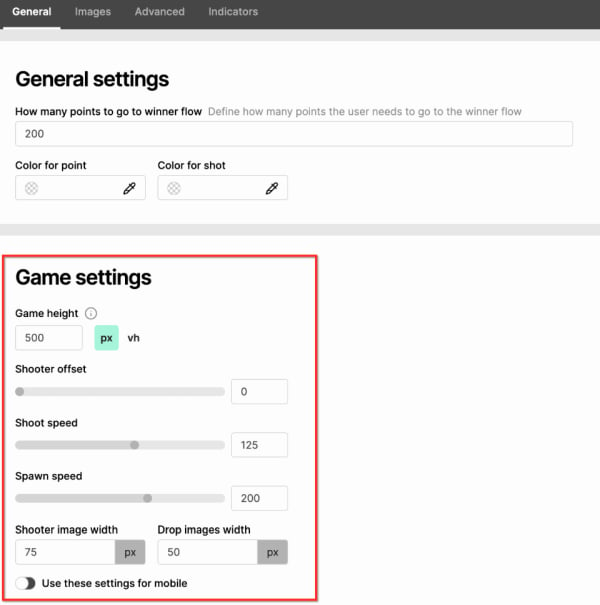
- You can upload a shooter or drop images larger than recommended, and resize them in Game settings with Shooter image width and Drop images width.
- The shots come out of the top middle of the shooter.
- The game ends when a drop image hits the shooter, so a wider shooter makes the game harder.
- The shot image replaces the coloured shots the shooter fires.
- Health points are how many shots it takes to destroy it. With 10 health points, it takes 10 shots.
- Regular points are what the customer scores when they destroy it. They lose the same number of points if it falls past the shooter.
Slice it
Customers slice images as they’re thrown up the screen. Images that take points away are the ones to avoid.- Each target image adds or takes away points when it’s sliced.
- If some take points away, make it clear which images to slice and which to avoid.
Match matrix
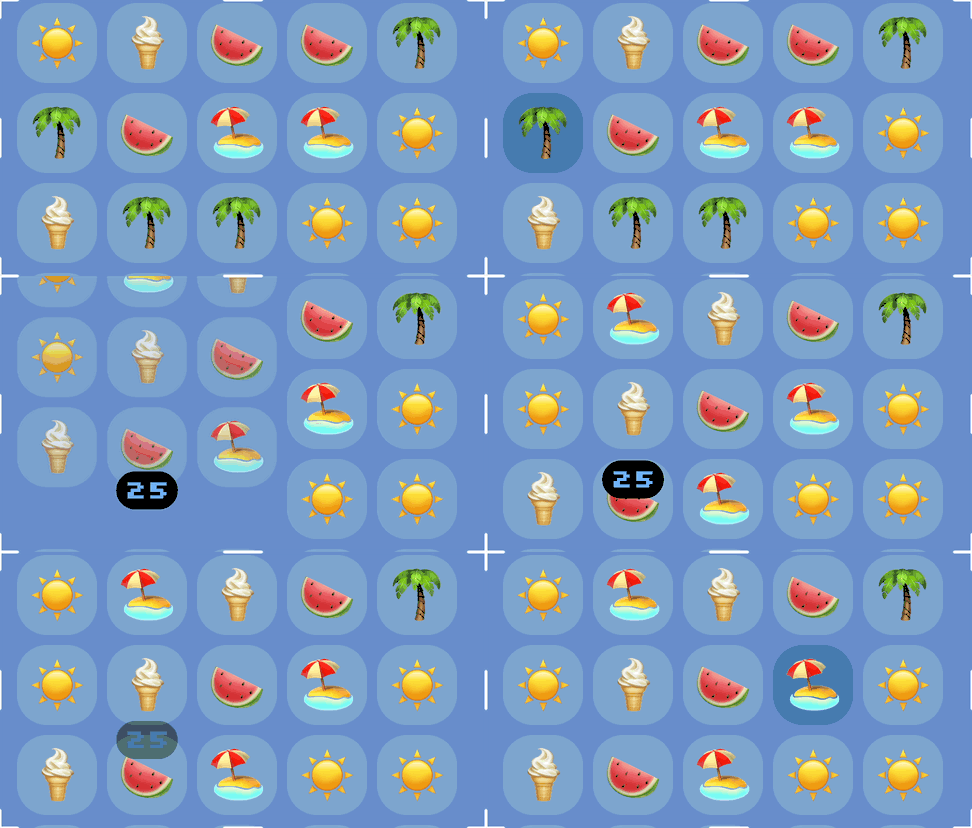
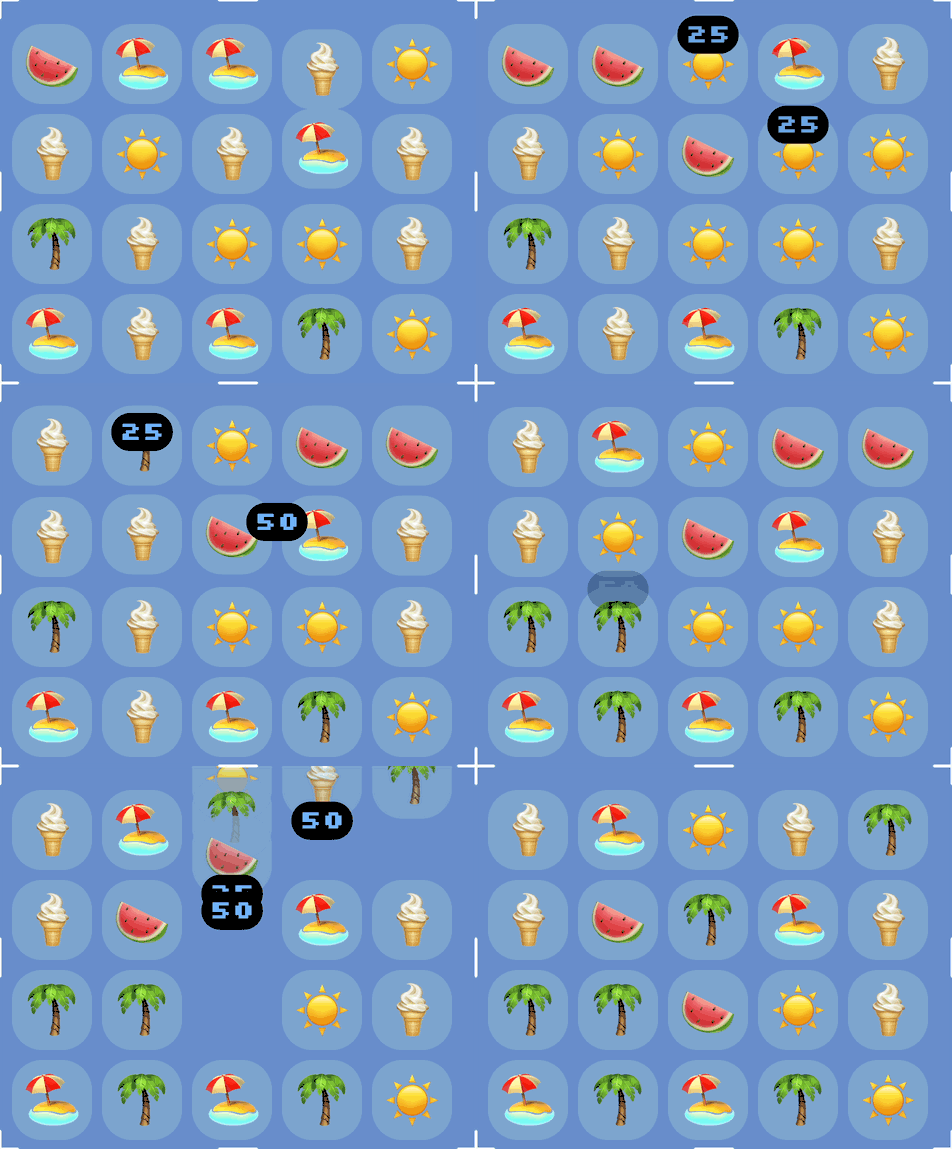
Customers swap tiles to make matches of three or more. Each match clears the tiles and scores points, and chain reactions and combos add more. The game is made for phones. Choose how the tiles look:
Custom images have to be:
- five different images
- .jpeg, .jpg, .png or .webp files
- square, with 160 × 160 recommended
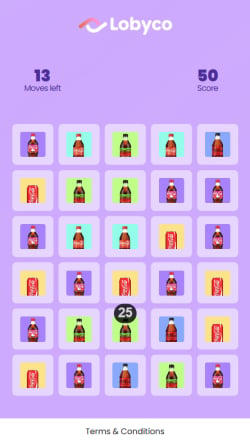
- Tile border radius sets how round the tiles are. At 50%, they’re circles.
- Tile background color is the colour of each tile.
- Selected tile color highlights the tile a customer taps.
Bounce battle
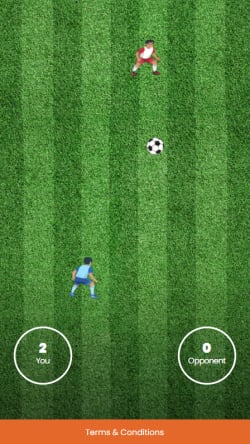
Customers move a paddle to keep the ball in play. Each bounce scores points and speeds the ball up. Every image in Bounce battle is optional. You style the game on the Visuals tab: its orientation, the divider, the paddles and the ball.- Game orientation is horizontal or vertical. Use vertical for the app. Built-in icons turn to match on their own.
- For the paddles, use the built-in icons or upload your own images. Paddles are usually narrow rectangles, but any image that suits your game works.
- On a desktop screen, the paddles can be up to 100 × 300, with 10 × 100 recommended. The ball can be up to 100 × 100, with a square 40 × 40 recommended.
- The paddle sizes assume a 20 × 20 ball. Adjust them if your ball is a different size.
- Save the images as .png files with a transparent background.
- Leave as little empty space around each image as you can, and avoid shadows and glows. Both can make the game harder to play. The built-in crop cuts away empty space.
Images and sounds for every skill game
The file types and size limits that apply to every image are in Images and fonts for a gameplay. Which sounds each type can play is in Gameplay add-ons, video and sound.Related
- Game types — all 17 types, and how to choose one for your campaign.
- Edit a gameplay in the Gameplay Editor — open the editor and change how a gameplay looks.
- Luck game settings — the images and rules of each luck game.
- Knowledge game settings — the images and settings of Quiz and Guess the image.