

A right answer doesn’t win a prize on its own. Lobyco decides whether a play can win before the customer starts playing, and a wrong answer can turn that win into a loss. See What the type decides, and what it doesn’t.
At a glance
All sizes on this page are in pixels, width first.Quiz
Customers answer a set of questions, such as questions about your products or your company. On the Questions tab of Game settings, choose how customers answer each question under Choose type of answers: Text, Image, Slider or Swipe.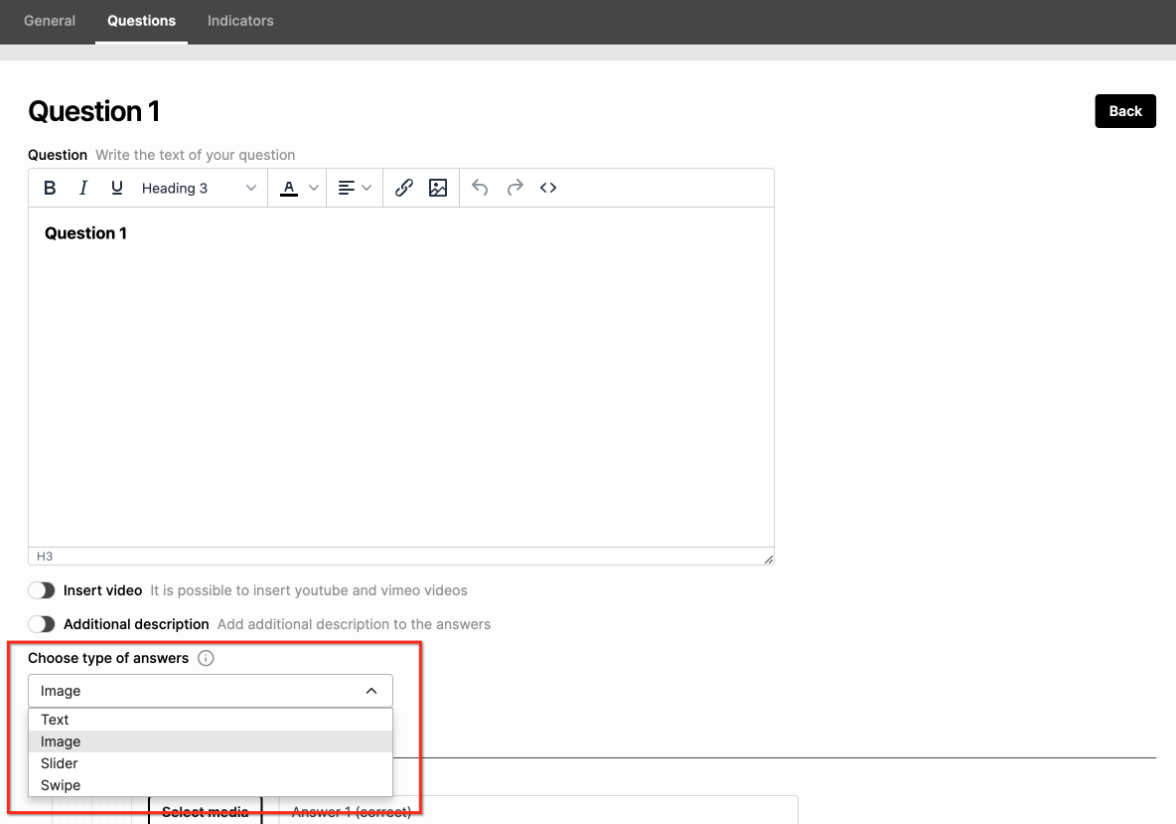
- Keep question illustrations wide and short, so the whole question fits on the screen without scrolling.
- Give the image answers to a question all the same size.
- With a swipe answer, customers swipe the image left or right. Make it clear what each direction means. One direction is the right answer and the other is the wrong one.
Calendar
Customers open a new door each day or each week, with a quiz question behind it. Calendar has its own page, Build a calendar game.Guess the image
Customers watch an image appear bit by bit, and pick the right answer. It’s a good way to show a new product range, make your brand better known, or get a message across.
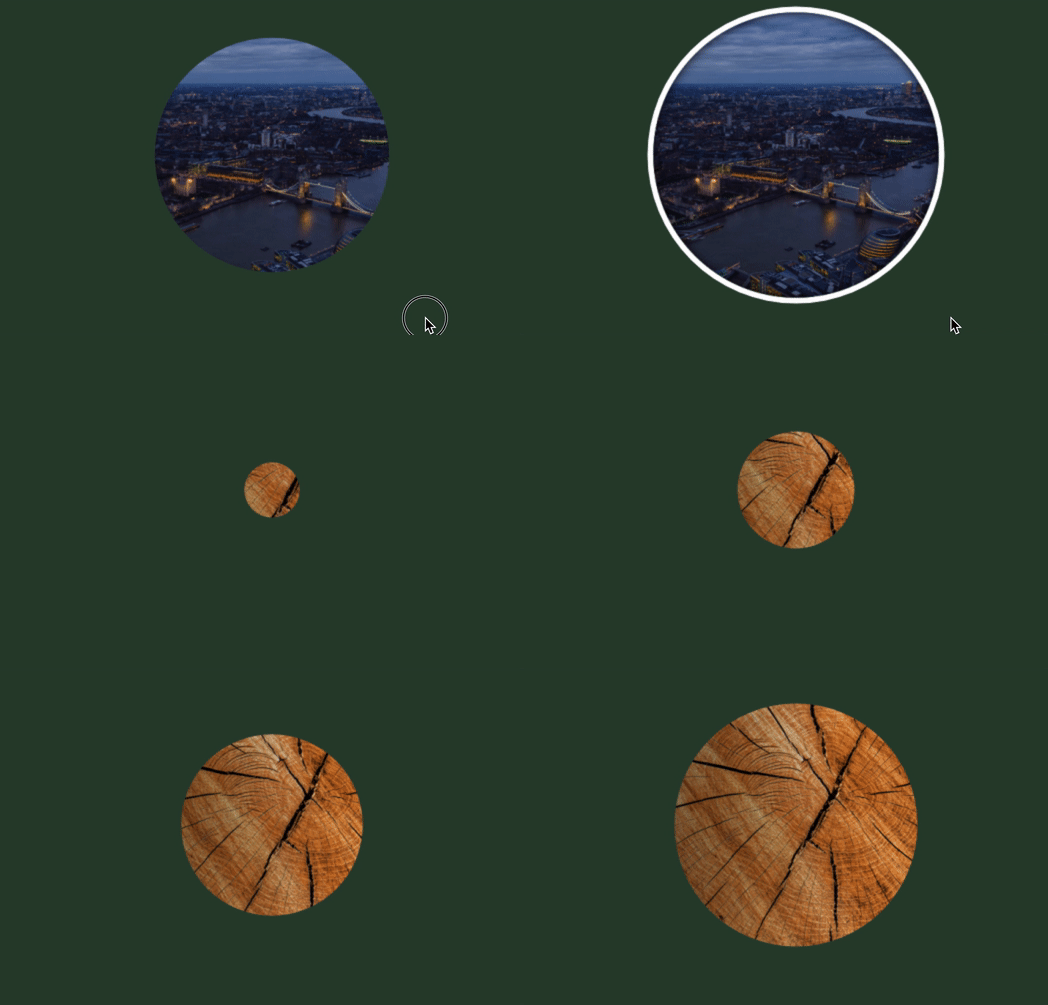
The gameplay can turn a square image into a circle for you. Each image appears in one of two ways:
- With Zoom out, a small circle grows until the whole image shows.
- With Blur, the image starts blurred and gets sharper until it’s clear.

Images and sounds for every knowledge game
The file types and size limits that apply to every image are in Images and fonts for a gameplay. Which sounds each type can play is in Gameplay add-ons, video and sound.Related
- Game types — all 17 types, and how to choose one for your campaign.
- Build a calendar game — build a calendar with a door for each day or week.
- Gameplay add-ons, video and sound — the Stepguide and other add-ons, and the sounds each type can play.
- Edit a gameplay in the Gameplay Editor — open the editor and change how a gameplay looks.
- Luck game settings — the images and rules of each luck game.
- Skill game settings — the images and settings of each skill game.