

Household attributes
When households are on, the Member segment block has a Household category on its Segment attributes tab, after Purchase. Its attributes work like the Purchase ones, added up across the whole household. Segment attributes explains how attributes and operators work.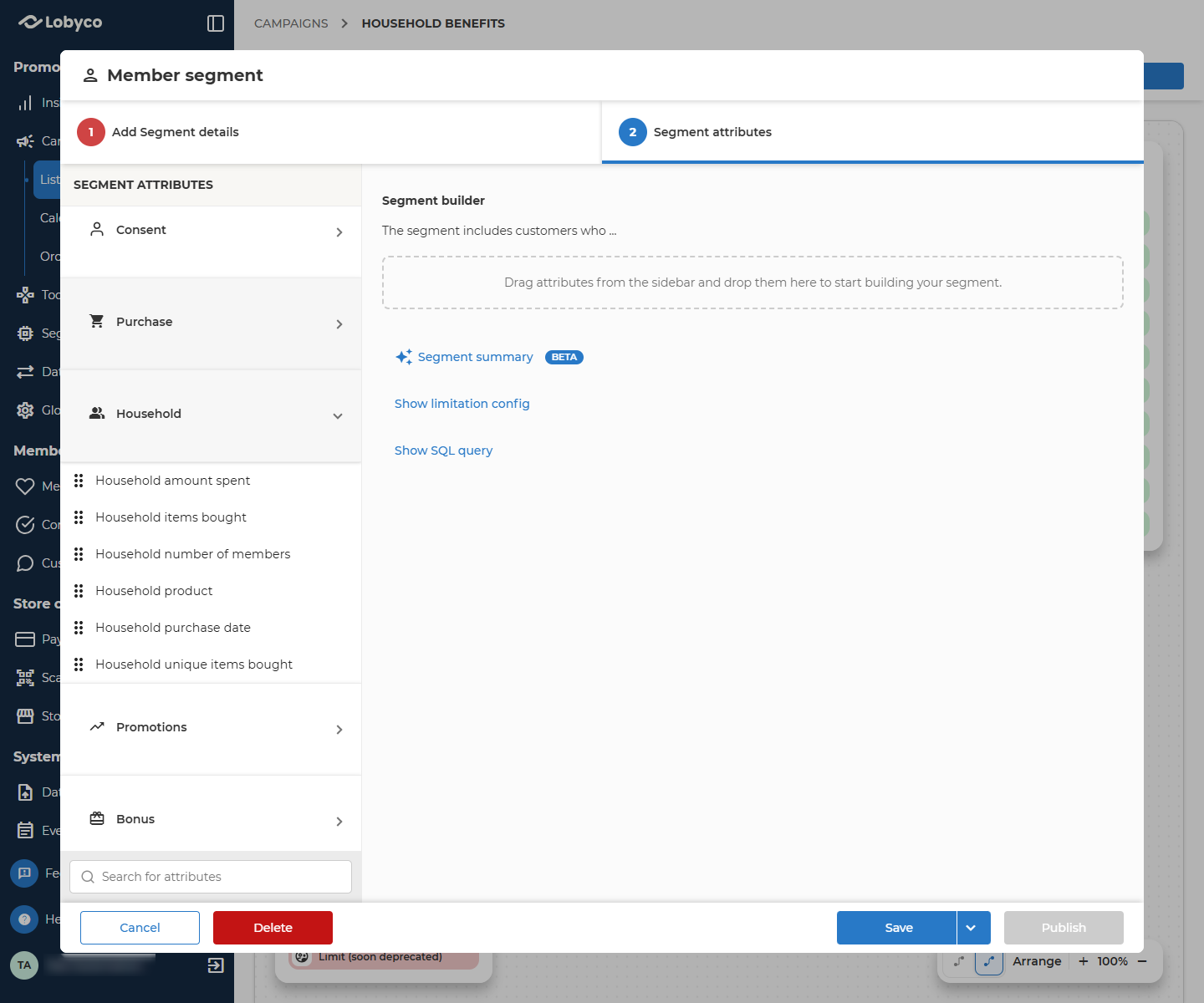
How household results work
The result is a list of customers
When a household matches, everyone in it now is in the result. That includes people who bought nothing themselves.Household purchase date
Household purchase date does two jobs, depending on what else is in the segment:
You can set a single date, or a period. A period can be fixed, such as 1 to 31 October, or rolling, such as the last 30 days. A rolling period includes its first day.
Without a Household purchase date rule, the other household purchase attributes look at the last 90 days. A hint under the rule says so.
Mixing household and customer attributes
You can mix household and customer attributes in one segment. How the rules join decides the result.
Join the rules with AND, OR or AND NOT shows how to change the join.
When only part of a household is in the result
AND and OR with a customer attribute can return only some of the people in a household. An audience made from that result holds those customers, not the whole household. A shared offer or challenge targeted at the audience then reaches only them:
A redemption still uses the shared coupon up for the whole household. To include everyone in the household, build the segment from household attributes only. Reach households with a shared activity explains how audiences reach shared activities.
Spend tiers
Use Greater or equal for each tier’s lower limit and Less than for its upper limit. A household right on a limit then lands in exactly one tier.Households of one
Customers who are alone in their household are included, as a household of one. To reach only households with two or more people, add the rule Household number of members Greater or equal 2.Which household a purchase belongs to
A purchase belongs to the household the customer was in when they made it. It stays there.- A new person’s earlier purchases don’t count for the household they join.
- When someone leaves, their purchases stay with the household they left. Their new household starts with no purchase history.
- Someone who leaves and later rejoins doesn’t bring back what they bought while they were away.
- A refund lowers the amount spent of the household the customer is in on the day of the refund, even when they made the purchase in a previous household. Returns and refunds explains how refunds work with households, and why.
- Customer attributes aren’t affected. A customer’s own Amount spent always counts all their purchases, whichever household they were in.
Related
- Households — what a household is, who can do what, and what happens when people join or leave.
- Shared benefits — share an offer or challenge with the household, and reach households with it through an audience.
- Create an audience — turn a segment’s result into an audience.
- Segment attributes — how attributes, operators and categories work.