

Open AI Genie
In Lobyco Nexus, go to Insights → AI Genie in the left menu. You only see AI Genie if your setup uses it and your user roles include it. The page opens on How can I help you today?, with a question box and a few suggested questions under it. The suggestions depend on your data, for example How are our loyalty customers grouped in RFM segments?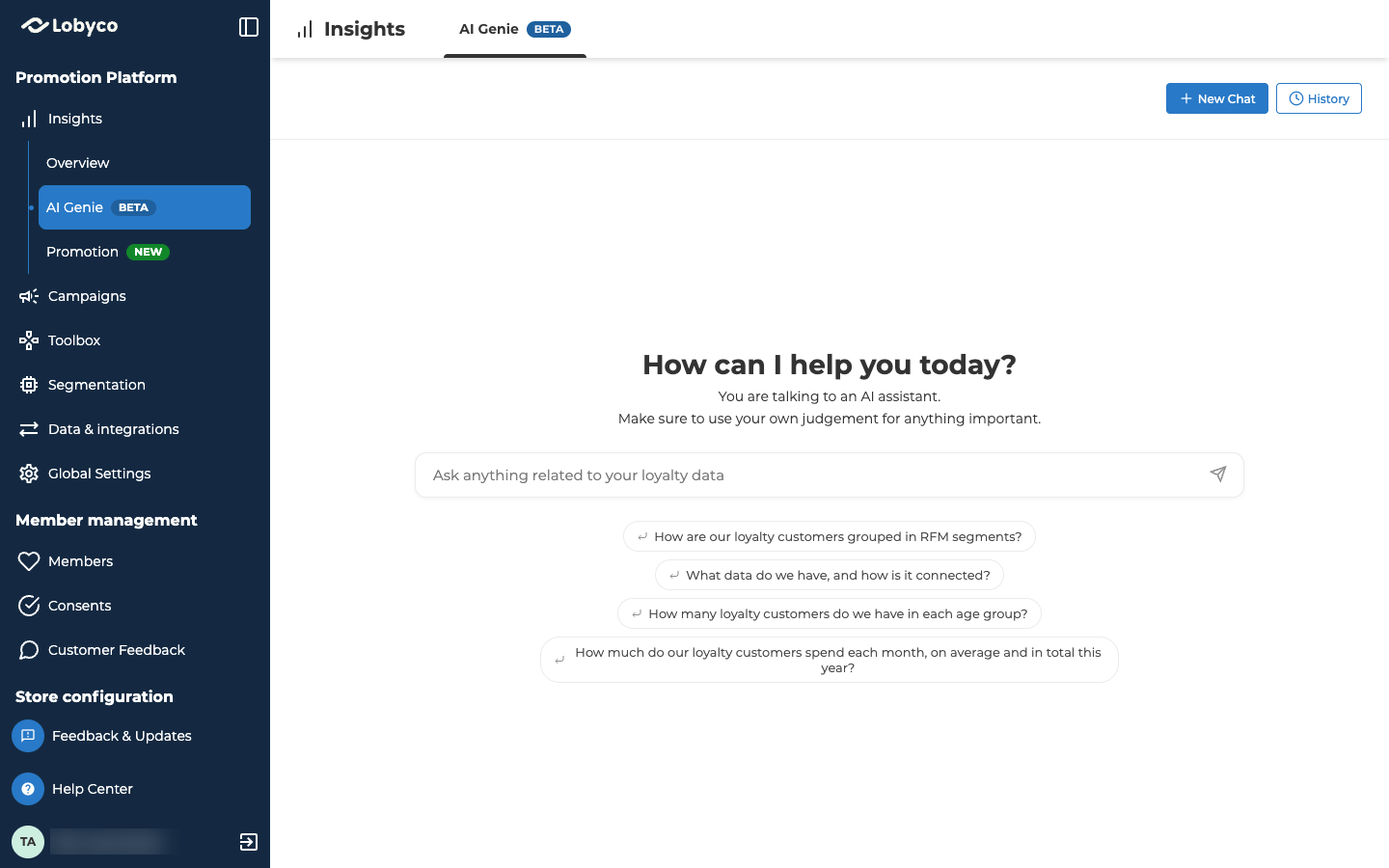
Ask a question
Type your question in the box and press Enter, or select the send button. You can also select one of the suggested questions, which sends it straight away. While AI Genie works, it shows what it’s doing, such as Thinking…, Analyzing your question… and Running query on your data… AI Genie turns your question into a query and runs it on the data from your Lobyco setup. That data can include purchases, customers, stores and promotions. To see what it can use, ask What data can you access? AI Genie is for one-off questions. For numbers you check every week, use the ready-made dashboards in Measure. You get better answers when you:- Are specific. Say the time period, store, segment or other filter you mean.
- Ask about what happened, not why. AI Genie can’t reliably tell you how many extra sales an offer brought in. Working that out needs a proper statistical method.
- Leave out personal or sensitive details about a customer.
Read the answer
An answer can have these parts.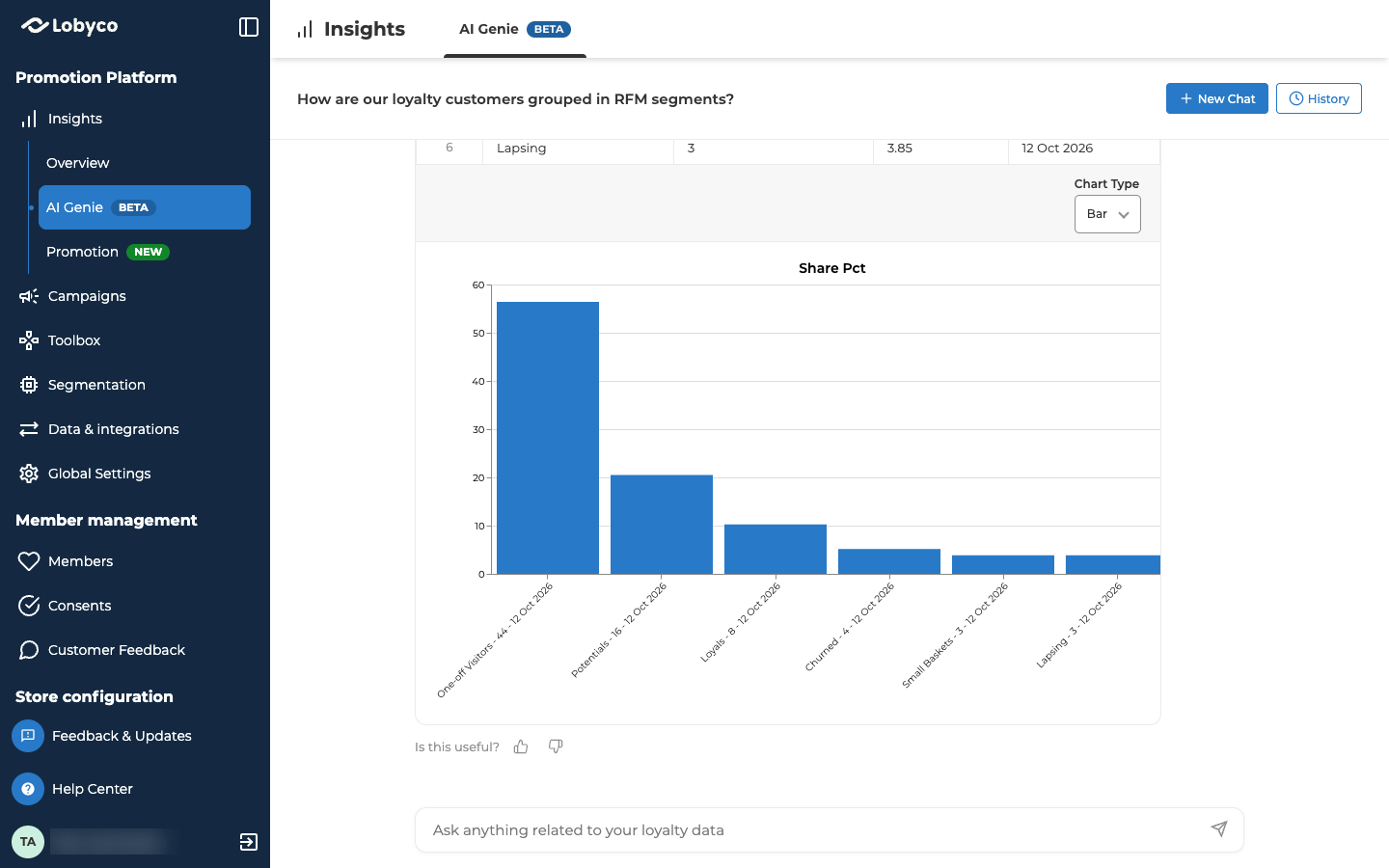
Rate the answer
Under each answer, AI Genie asks Is this useful? Select the thumbs up for Helpful or the thumbs down for Not helpful. After a thumbs down, a box opens under it, Tell us what went wrong (optional). Type what went wrong, or leave the box empty. Then select Send. The thumbs down only counts once you select Send. Thanks for your feedback! shows when the rating is sent, and you can’t change the rating after that. Lobyco uses the ratings to improve AI Genie.Go back to an earlier chat
Select History, in the top right corner, to see your earlier chats. Select one to open it. To remove a chat, point at it and select its bin icon, labelled Delete conversation. When the portal asks Do you want to delete this item?, select Delete. The portal has no way to restore a deleted chat. Select New Chat to start again from the start page.Troubleshooting
Why does it say my message failed the security checks?
Why does it say my message failed the security checks?
AI Genie checks every question before it runs it. When a question doesn’t pass, it shows Your message failed our security checks and couldn’t be sent. Ask it again in different words.
Why does it say Genie is still working on this answer?
Why does it say Genie is still working on this answer?
The answer hasn’t finished yet. Reload the page to check again, or select New Chat and ask again. If the new question gets stuck too, contact Lobyco support.
Why does AI Genie say something went wrong?
Why does AI Genie say something went wrong?
AI Genie shows Something went wrong when it couldn’t answer the question this time. Try it again. If it keeps failing, ask it in a simpler or more specific way. If it still fails, contact Lobyco support.
Related
- Business Health overview — six key numbers for your loyalty programme, ready-made and updated daily.
- Promotion insights — a ready-made dashboard of how your campaigns and activities performed.