

At a glance
Product Bonus
A Product Bonus gives extra bonus on the products you list. For each product, you set either a percentage of its price or a fixed amount. On Activity behaviour, tick With bonus percentage, With fixed bonus, or both. Each one opens an upload field for its own file. Each file is a .csv file with no header row. Put one product on each line: the product’s EAN or UPC, a semicolon, then its bonus value. Use a dot for decimals.- In the With bonus percentage file, the value is a percentage from 0 to 100.
5701234567890;10gives 10% of the product’s price as bonus. - In the With fixed bonus file, the value is an amount.
5701234567890;2.50gives 2.50 of bonus for the product.
Basket Bonus
A Basket Bonus gives extra bonus on the whole basket.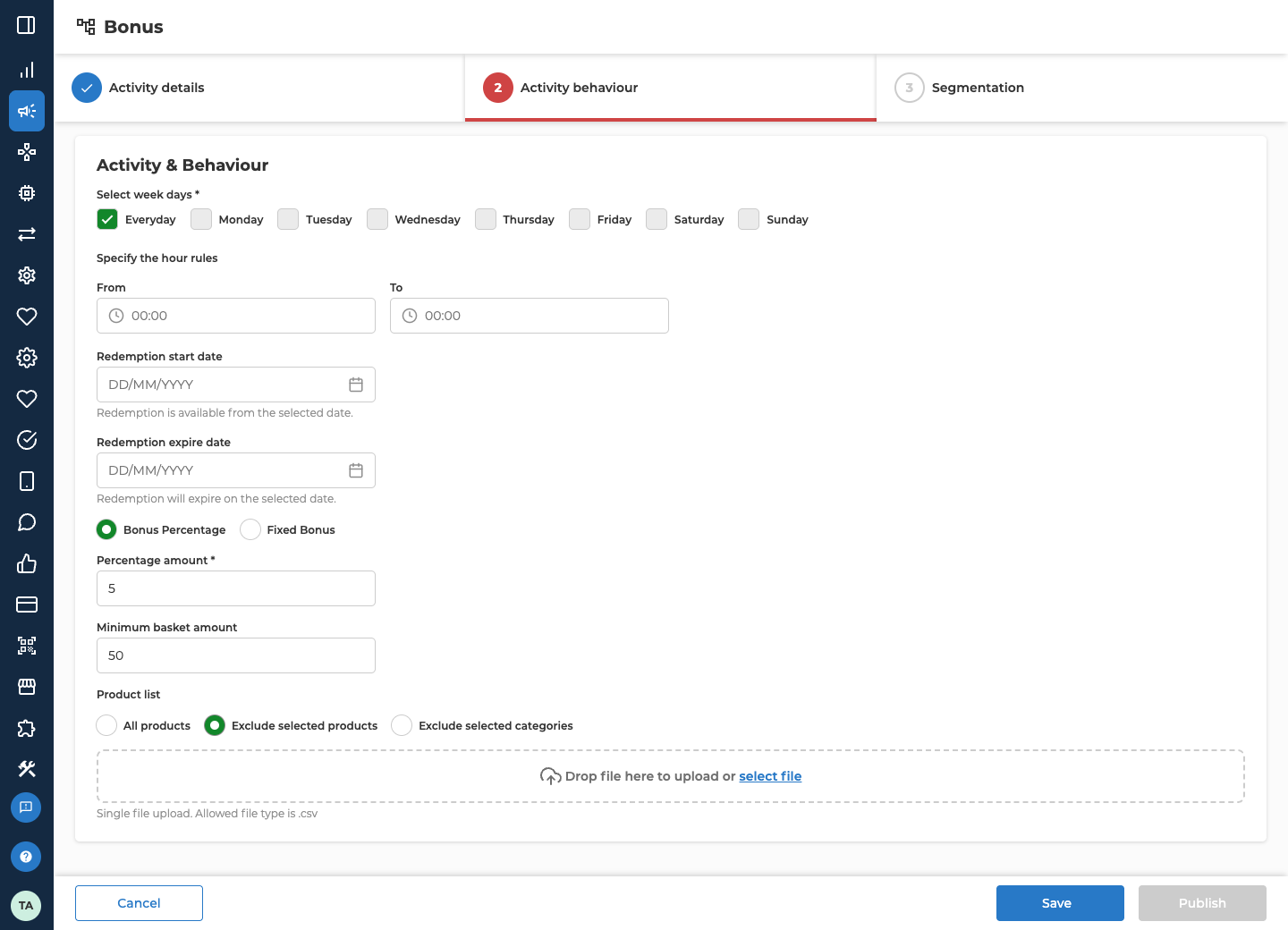
Local Bonus
A Local Bonus gives a percentage of what the customer pays, product by product. It’s the only type you can run with No end date, on Activity details.
Custom Setup gives the customer bonus worth the difference when they pay more for a product than its price in a reference store. It only works once Lobyco has set up a reference store for your organisation.
Several local bonuses can apply to the same product, and each one adds its own bonus.
For example, you run a 2% Local Bonus with no end date in one chain, excluding tobacco. A customer who pays 100.00 there, 20.00 of it on tobacco, earns 1.60 of extra bonus.
Multiplier Bonus
A Multiplier Bonus multiplies the customer’s base earn while it runs. On Activity behaviour, pick a Multiplier from 2x to 10x. The multiplied rate replaces the base earn. It isn’t added on top. Products that don’t earn base earn don’t earn the multiplier either. It’s worked out on what the customer paid, after discounts. When more than one Multiplier Bonus applies to a purchase, the customer gets the highest multiplier. They don’t add up. For example, your base earn is 1%. You run a 2x Multiplier Bonus on Saturdays in October. A customer who pays 60.00 on a Saturday earns 1.20 instead of 0.60.Redemption Bonus
A Redemption Bonus adds a percentage of the bonus balance each customer already has, on one date. It isn’t tied to purchases, so it has no chains, stores, week days or hours.
The extra bonus is added at the end of the redemption start date, based on the balance the customer has then. Any of the extra bonus they haven’t spent by the end of the redemption expire date expires.
For example, you set 10%, starting on 8 March and expiring on 10 March. A customer with a balance of 150.00 gets 15.00 extra at the end of 8 March. They have until the end of 10 March to spend it.
Fields shared across bonus types
Every type except Redemption Bonus also has Chain(s) or Store(s), Select week days, the From / To hours, and an optional Redemption start date and Redemption expire date. Those two dates set when customers can start spending the bonus they earn, and when it expires. Every type has Segmentation. Create a bonus explains each of these fields. On a Redemption Bonus, the two redemption dates are required, and they work as Redemption Bonus describes.Related
- Create a bonus — the whole form, tab by tab.
- Edit, unpublish or reuse a bonus — what you can still change once a bonus is live, including its product files.
- Bonuses — how a bonus activity differs from base earn.